

Analysis
Head height 58%. Inside the 70-80% band.

96/100
- Face in frame
- Head straight
- Even lighting
- Eyes open
- No glasses glare
Frame the face to ICAO rules, remove backgrounds and compress images in bulk. Print the sheet from the same screen.
3 free credits every 3 days. No card required.
Passport photos, background removal and image compression share one account and one sidebar.
Scan. Point your phone at the Studio QR code. No app to install.
Shoot. Take the passport photo in the browser camera on your phone.
Place. It lands in the Received tray on your desk, ready for the sheet.
One portrait. We check the face, clear the background, and crop the size your studio prints.
Continue with this photoHead height 58%. Inside the 70-80% band.
India · 35 × 45 mm · 413 × 531 px
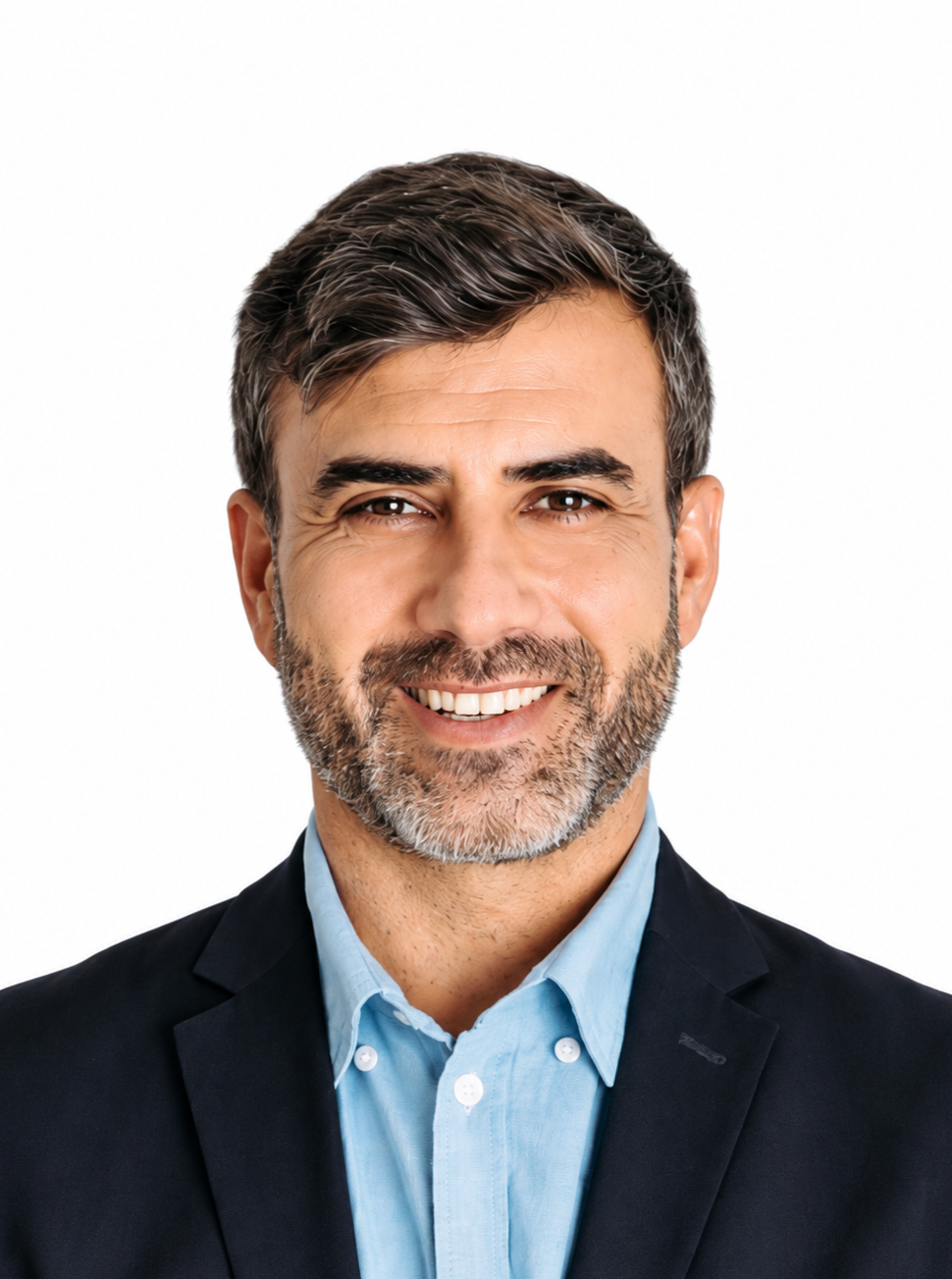
Six copies on a 4 × 6 in sheet.
Compliant
4 × 6 in · 6 copies
India · 35 × 45 mm · 413 × 531 px
The sizes Studio prints.
Upload, analyze, remove the background, export.
Upload an image and download a transparent PNG. One credit per successful cutout. A failed cutout is not charged.
Open Background RemoverUpload a photo of a person, product or logo.
Download a transparent PNG.
No picture on hand? Try with one of these


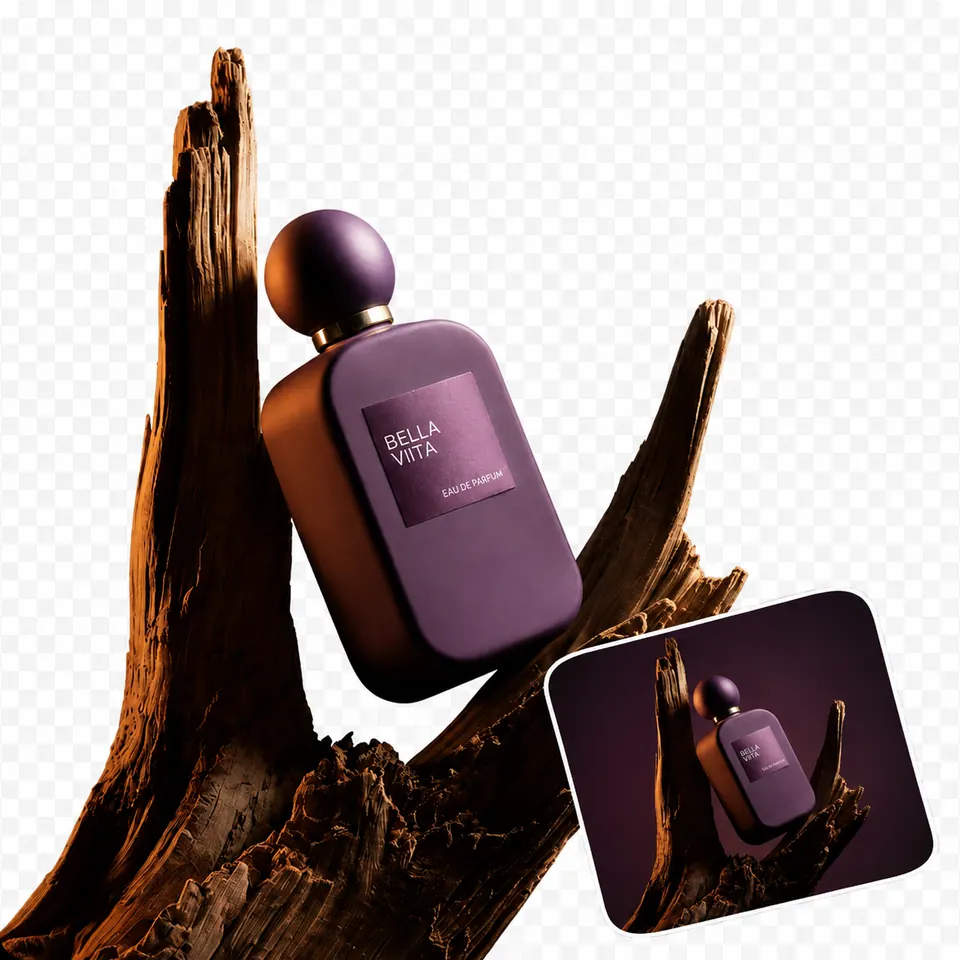
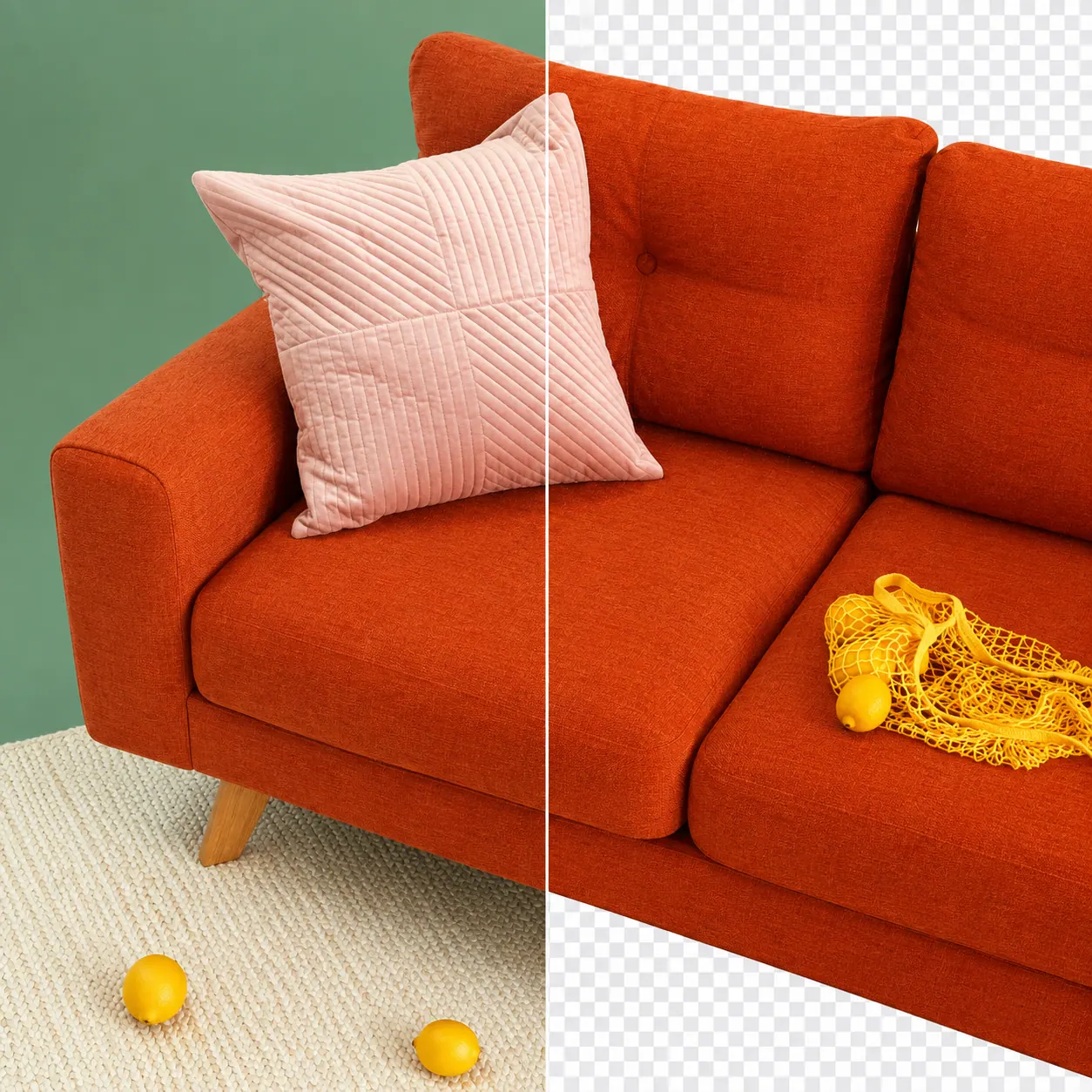
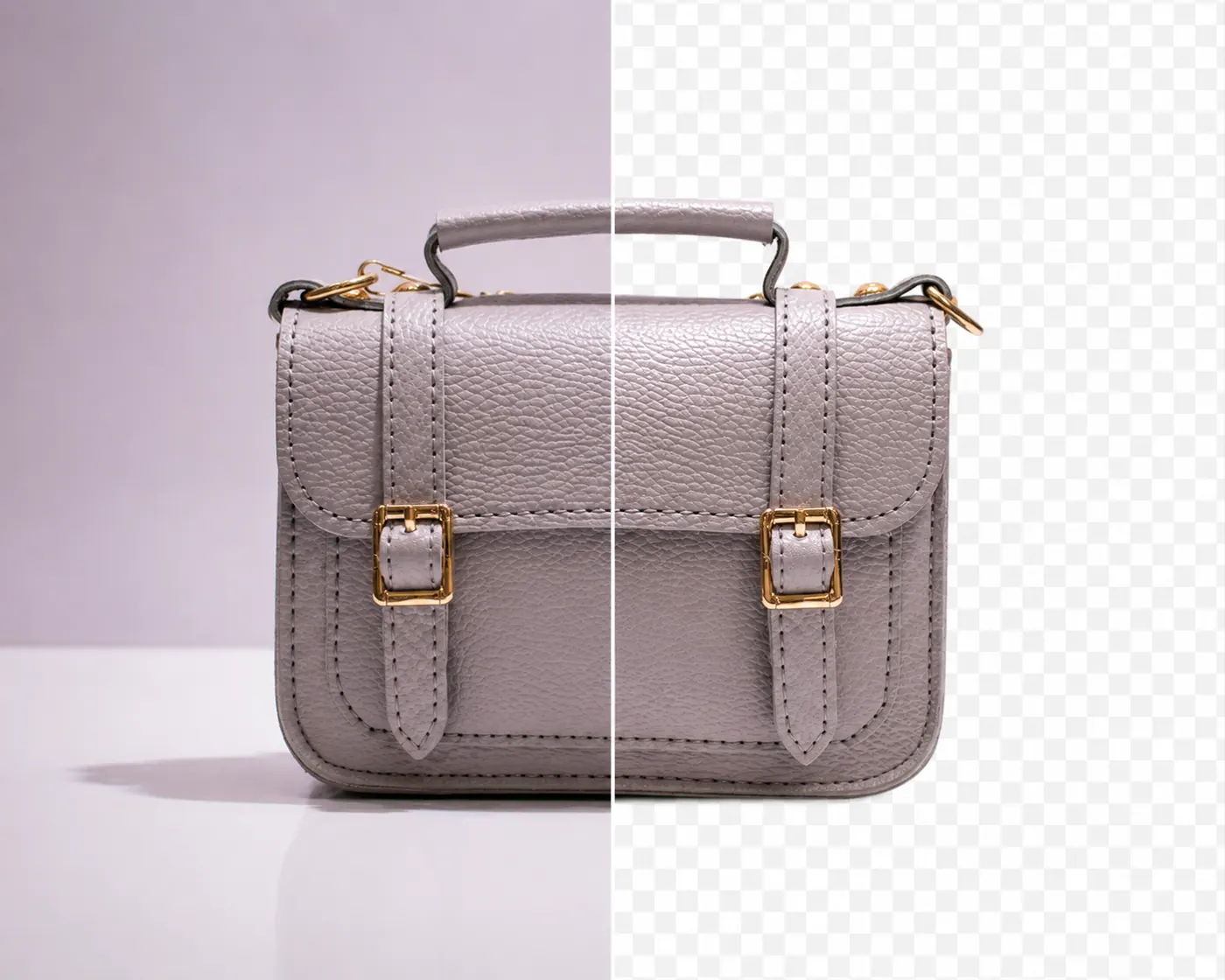
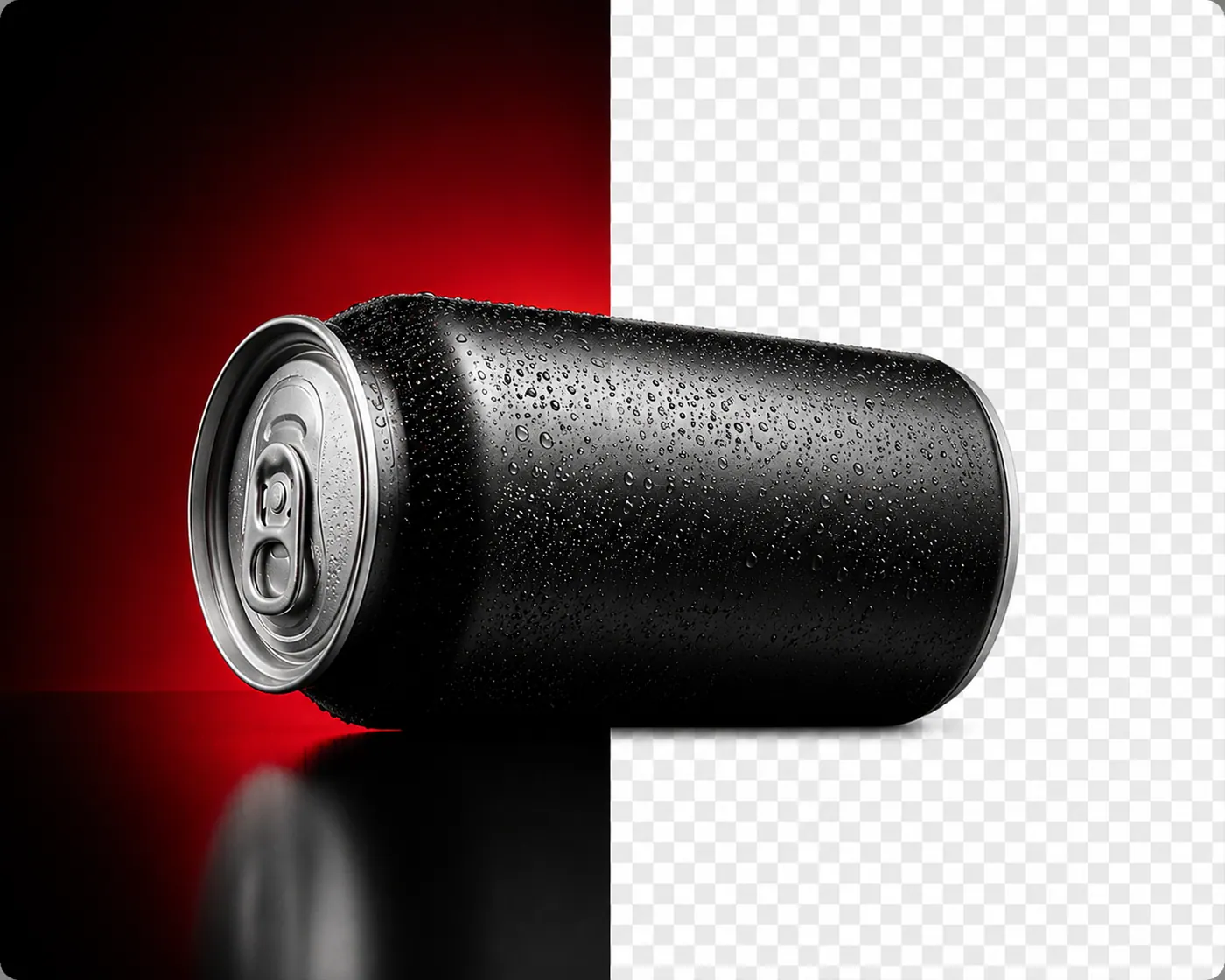
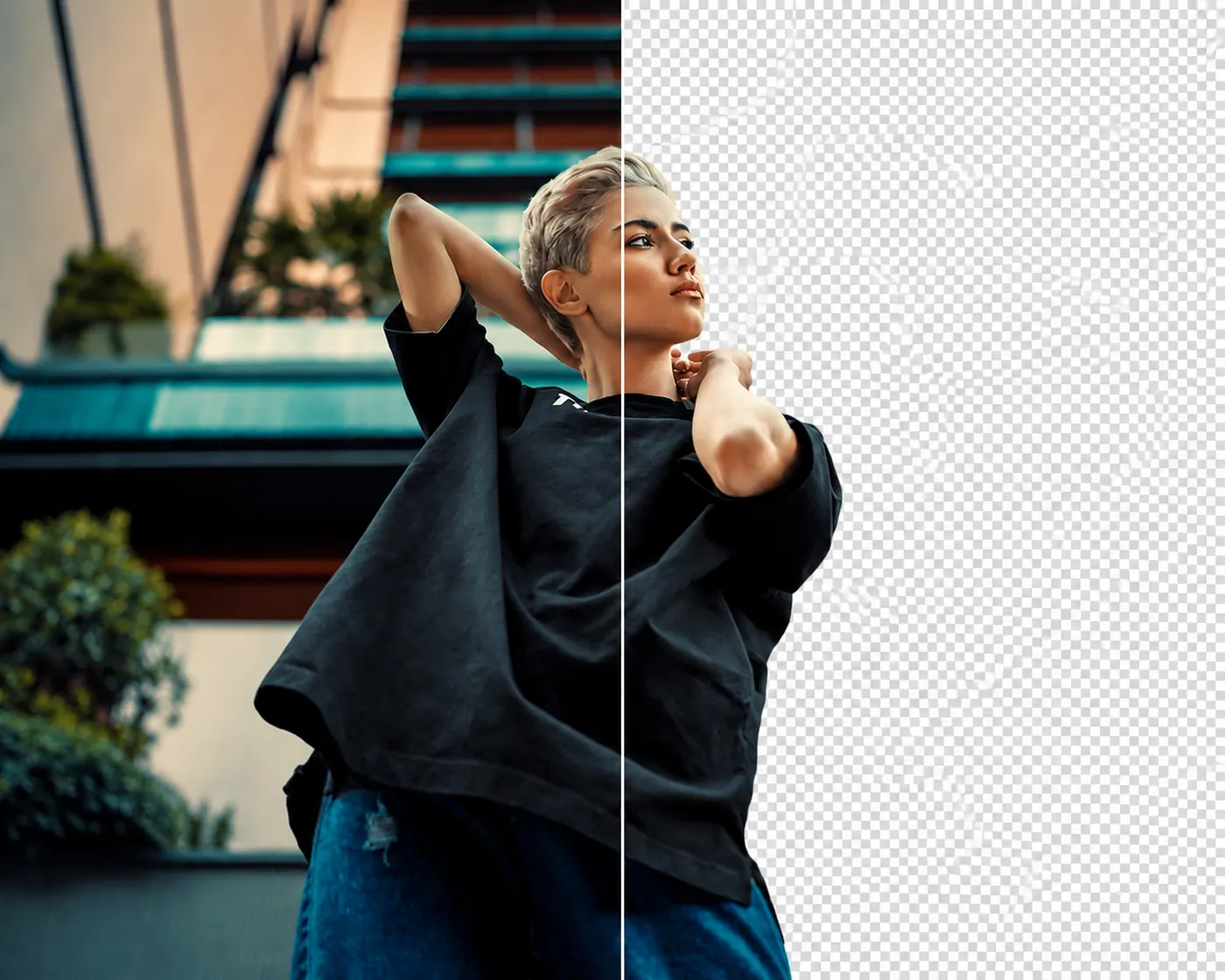
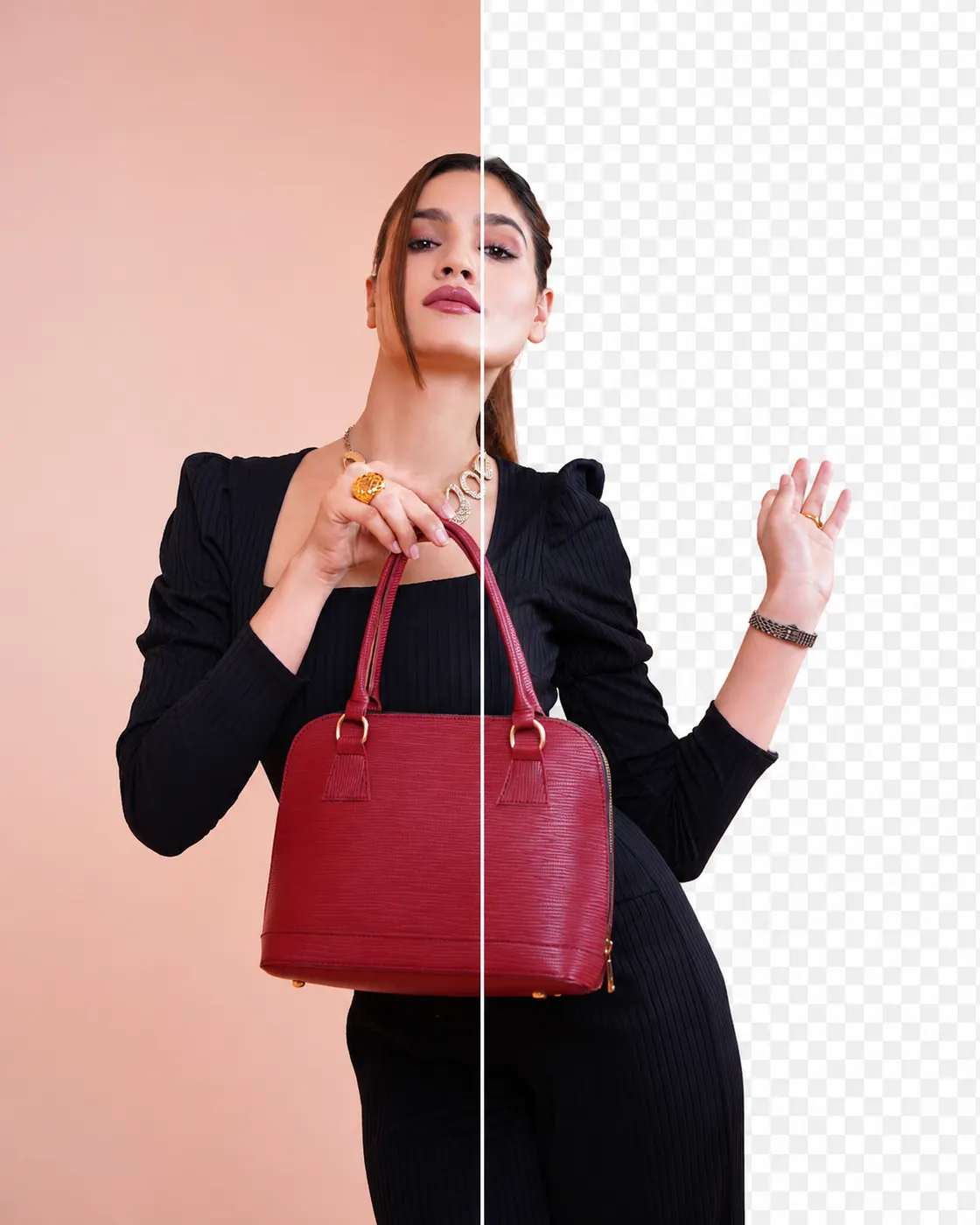
Compress JPEG, PNG, WebP and AVIF in your browser. Files stay on your device. Compare before and after, then download one ZIP.
Open Image CompressorOpen the compressor and drop in the batch you want smaller.
Check the before-and-after slider, then save one file or the whole set.
Upload client photos in one session. Passprint removes the background, frames the face to ICAO rules and runs an automated check before you adjust and print.
Open Passport Photo Maker ProProcess up to 3 client photos in one session. Ideal for small studios and family batches.
Your photo meets the automated ICAO checks. Review the list, then continue to adjust.
35×45 mm · 413×531 px · 300 DPI
Pick a destination and Passprint applies its photo size, face height and eye-line rules. India, the US, the UK, Schengen countries and Canada are available.
Open Passport Photo Maker ProChoose the country size, the background colour and where the face sits. The guide marks the eye line and the crown.
Open Adjust PhotoThe India preset prints at 35×45 mm, with the face inside the height band.
Eye line and head height follow ICAO Doc 9303. The authority still decides.
A 35×45 mm photo exports at 300 DPI, 413 by 531 pixels on the sheet.
Six copies sit on a 4×6 inch sheet, with crop marks on the PNG and the PDF.
Passprint sizes, crops and lays out the photo. Editing the layout does not use a credit.
Add a photo from a file, a camera or a phone. Scan a QR to send it from your phone.
Background removal, face detection and ICAO framing run automatically. Processing takes 3 to 5 seconds per photo.
Fine-tune the crop and background. Place copies on A4, A3, Letter or a custom page size.
Download a 300 DPI PNG or PDF with crop marks, or print from the layout editor.
Background, crop, and framing for the presets studios print most often.
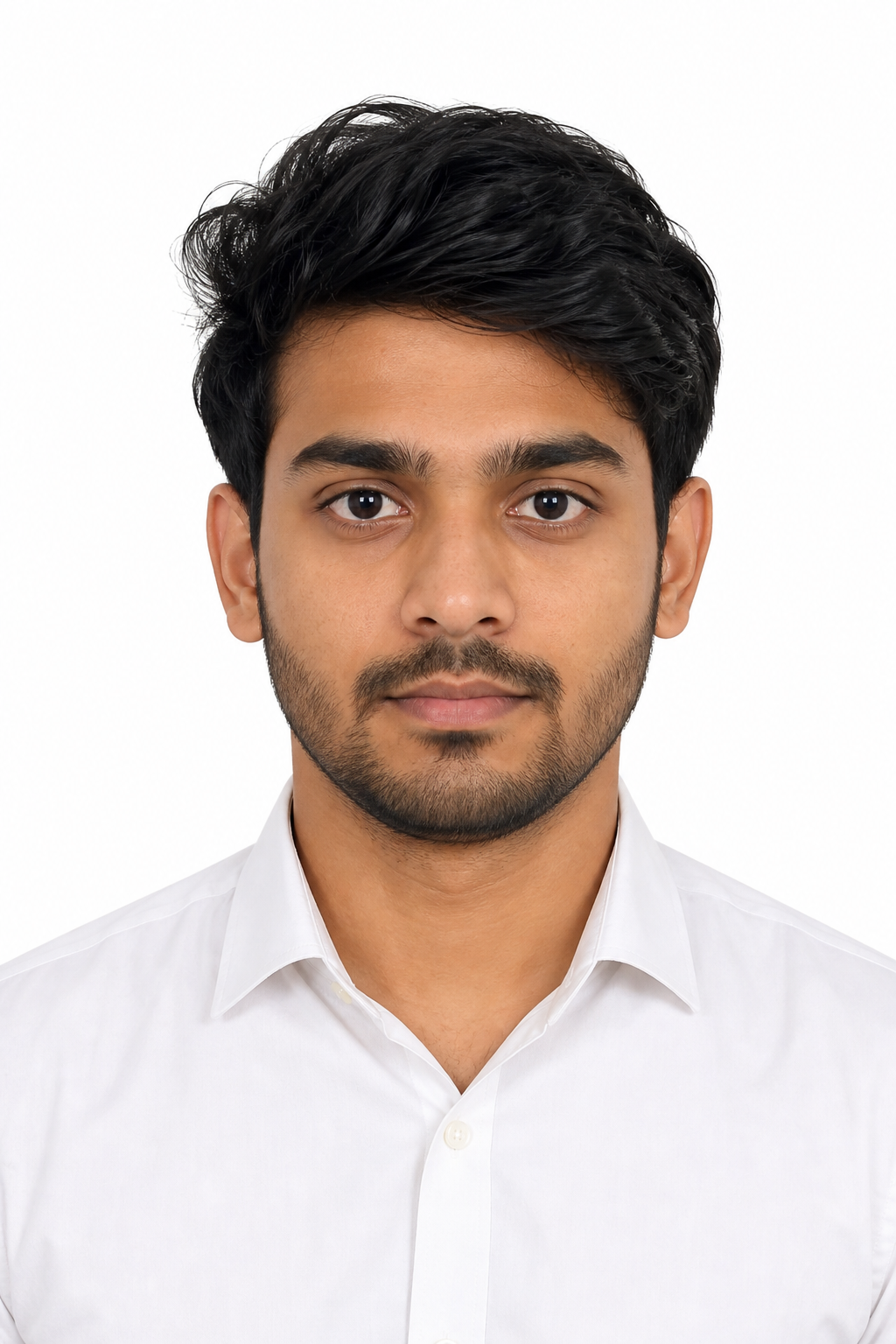
India Passport, 35 × 45 mm
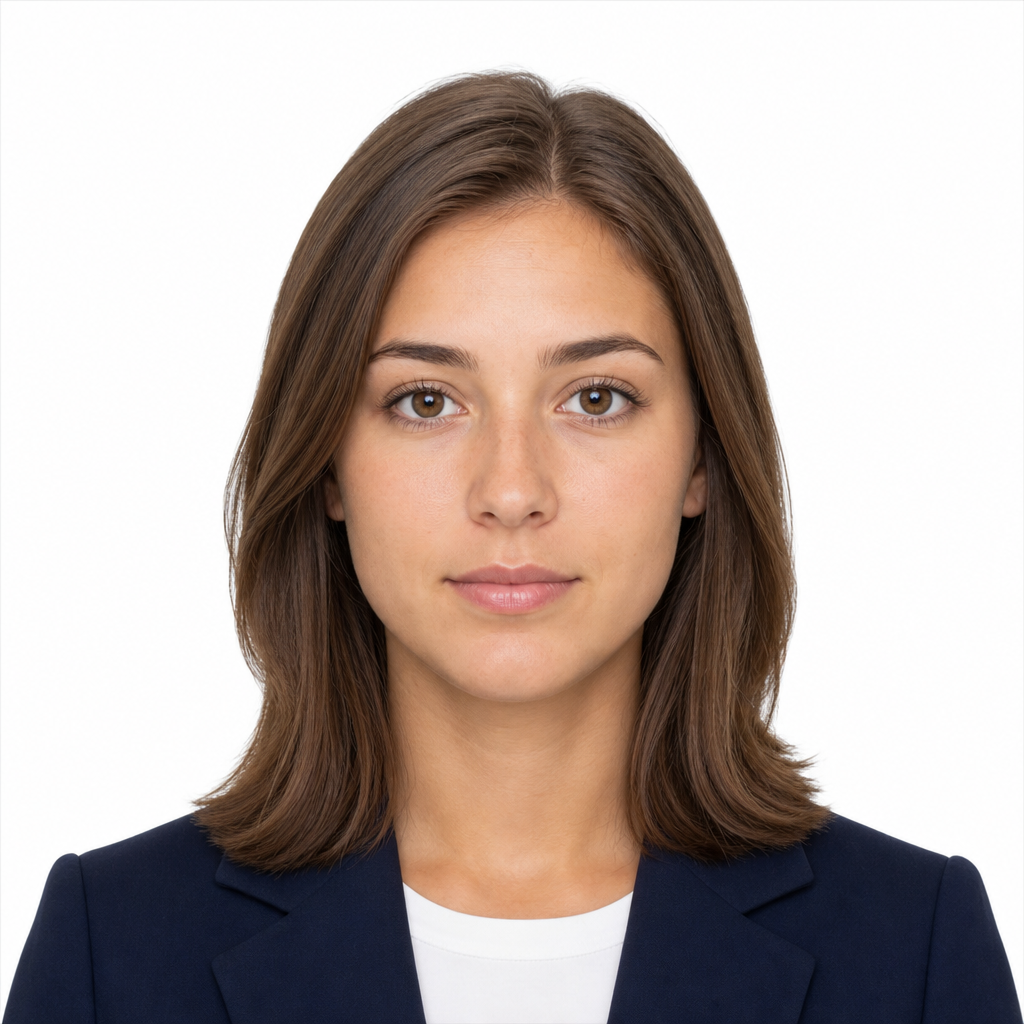
United States, 2 × 2 in
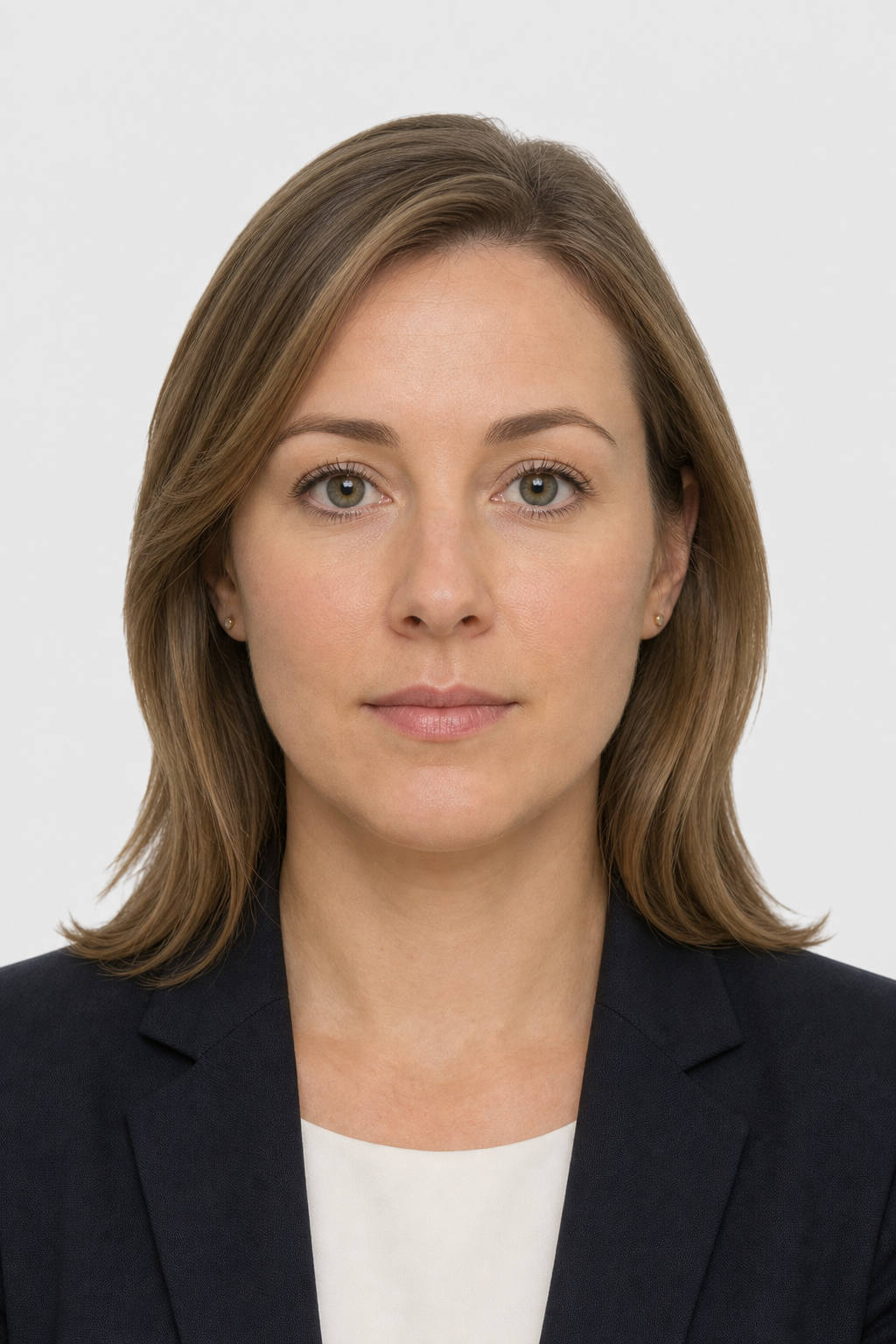
United Kingdom, 35 × 45 mm

Canada Passport, 50 × 70 mm
One credit processes one passport photo or one background cutout. Editing the layout does not use a credit.
₹0 forever
3 credits every 3 days
₹149 per month
100 credits per renewal
₹379 per month
300 credits per renewal
Prices in INR.
Credits, privacy and photo acceptance.
Free accounts get 3 credits every 3 days. Pro includes 100 credits and Pro+ includes 300 credits per renewal.
Yes. One credit per successful cutout, the same as a passport photo. If a cutout fails, no credit is used.
Presets follow ICAO Doc 9303 and each country's published rules, and the initial check flags common problems. The issuing authority makes the final decision, so review the photo before you submit or print it.
Job history keeps your results for 1 hour on Free, 3 days on Pro and 7 days on Pro+.
No. Compression runs in your browser and your files are not sent to a server.
Yes. Open the QR panel in Passprint Studio, scan the code and take the photo in your phone's browser. No app is needed.
See the Refund Policy.
“We used to jump between a crop tool, a background site, and a compressor. The sheet comes off one screen now.”
“Walk-ins used to wait on the background. The cutout is done before I finish the size check.”
“A4 sheets land with the right gap. I stopped measuring the margins by hand.”
“A client sends a phone picture. I frame it, pull the background, and print. One credit, one job.”
“Compression stays on the machine. I am not uploading passport scans to another site.”
“Free credits are enough to show the sheet. Pro is what we run on a Saturday.”

